

01 · The work
Someone is already on it.
A person at the machine, handling mail, files, and the thing that stopped. That is the day, taken care of.
Ustwar IT company
What this is. Ustwar is a managed IT company. Your staff calls us instead of hunting for “the IT person.”
What we do. Help desk, Microsoft 365, networks and Wi-Fi, backups, and projects that have a finish line.
01 · The work
A person at the machine, handling mail, files, and the thing that stopped. That is the day, taken care of.

02 · The room
The office stays calm because the machines are already looked after. That is the work you do not see.
03 · The systems
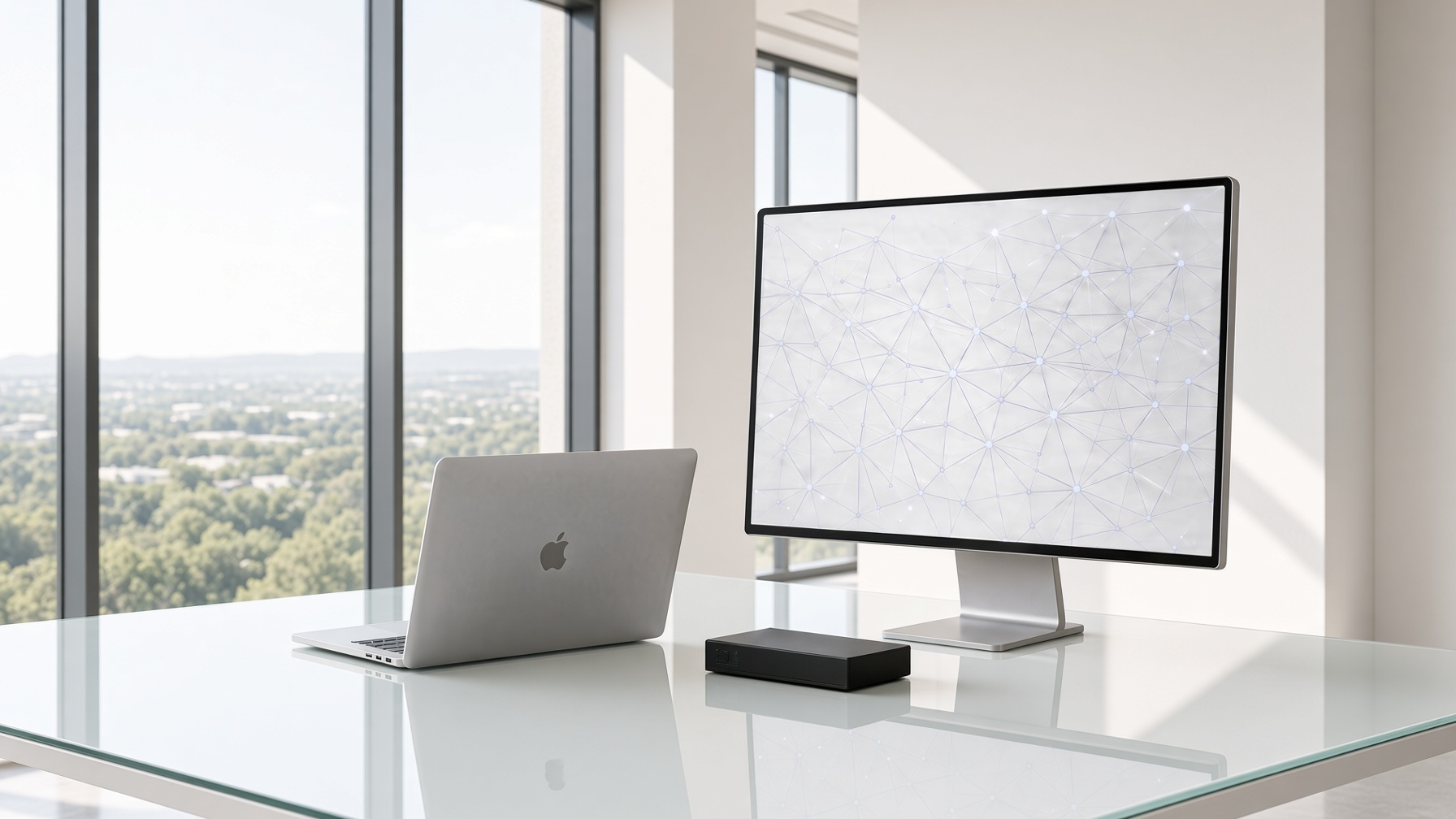
The machine, the screen, and the network behind them. We keep that running so the office does not have to think about it.
When something is wrong
Customers rarely call asking for “managed services.” They call because mail is down, a person left, or a form is due. This is how those calls land.
Treated as urgent
The company cannot send, receive, or sign in. Work has stopped.
We treat mail as urgent. We check the identity platform, the license, the mailbox, and whether this is one person or everyone — then we stay on it until sending works again.
Lives under Cloud & Microsoft 365
Read the full scopeThe work itself
A person your staff can reach when work is stuck — sign-ins, printers, software, and the odd failure that always lands on a Monday.
“I can't sign in.”
ScopeWe watch servers, firewalls, and critical cloud services, and we fix what is drifting before your staff has to file a ticket.
“Things break and employees are the monitoring system.”
ScopeMail, files, Teams, and identities arranged so people can work — and so a former employee cannot.
“We're still on an old mail server.”
ScopeAn office network that holds up in the warehouse, the conference room, and for people working from home.
“Wi-Fi dies in the back of the building.”
ScopeBackups that have been restored in a test. A copy you have never opened is a hope, not a plan.
“If ransomware hit tonight, what would we actually do?”
ScopeLaptops, phones, and accounts for the morning someone joins — and the afternoon they leave.
“A new hire starts Monday and we have no computer.”
ScopeDesk phones, Teams calling, and meeting rooms that work the first time a client dials in.
“Our phone vendor disappeared.”
ScopeA technology plan tied to the business — moves, replacements, budgets, and projects with a finish line.
“We're moving in ninety days.”
ScopeWhy companies switch
Calling someone after the outage, paying by the hour, and hoping they remember your network is an expensive way to stay behind. Managed care means the environment is already known.
The old pattern
With Ustwar
01
Devices, accounts, backups, and the few problems everyone is tired of. Anything on fire gets fixed first.
Week 1
02
Monitoring, patching, multi-factor sign-in, and a written map of who can reach what.
Week 2
03
Your staff has a number to call. Vendors know who we are. The noisy issues start to quiet down.
Week 3
04
A short roadmap: what to leave alone, what to replace, and what it will cost in time and money.
Week 4
Fully managed
Where this fits
Access that ends when a shift does, backups you can describe, and answers an auditor can read.
Matter files, client mail, and a clean offboarding so work does not leave with a person.
Job-site connectivity, devices that survive the day, and a help desk that picks up.
Guest Wi-Fi kept apart from the business, and a store that can still take a payment.
One standard, several addresses, and someone who knows both the head office and the branch.
Careful licensing, volunteer access that expires, and no surprise projects.
“They picked up while our usual ‘IT friend’ was still typing. It was a license, not a mystery. That was the whole difference.”
“Offboarding used to be a sticky note. Now access is gone the afternoon someone leaves, and I get a list of what was closed.”
“The backup test was the first time anyone showed us a restore. That meeting was worth the year.”
Questions
No. Fully managed care is month to month after a short first term, so both sides can see if the fit is real.
Yes, when the problem is physical — a network, a move, a room full of new people. Most day-to-day issues are solved remotely, which is faster for your staff.
Then fully managed care replaces that scramble. We are the IT department: the help desk, and the person who already knows your setup.
Managed clients have an after-hours path for things that stop the business: mail down, a site offline, nobody able to sign in. A slow laptop can wait until morning, and we say so.
Targets are written into the agreement, not shouted on a homepage. Urgent issues — the business is stopped — are picked up first. Everything else has a window you can see.
No. Microsoft 365 is common, and we are fluent in it. Google Workspace, mixed Mac and Windows offices, and a few line-of-business systems are ordinary work.
What is breaking, and what is coming up — a move, a hire, an audit. Fully managed means we become the IT department. You leave with a clear recommendation, including “not us” if that is the honest answer.
A working conversation — what is breaking, what is coming, and fully managed care from here.